
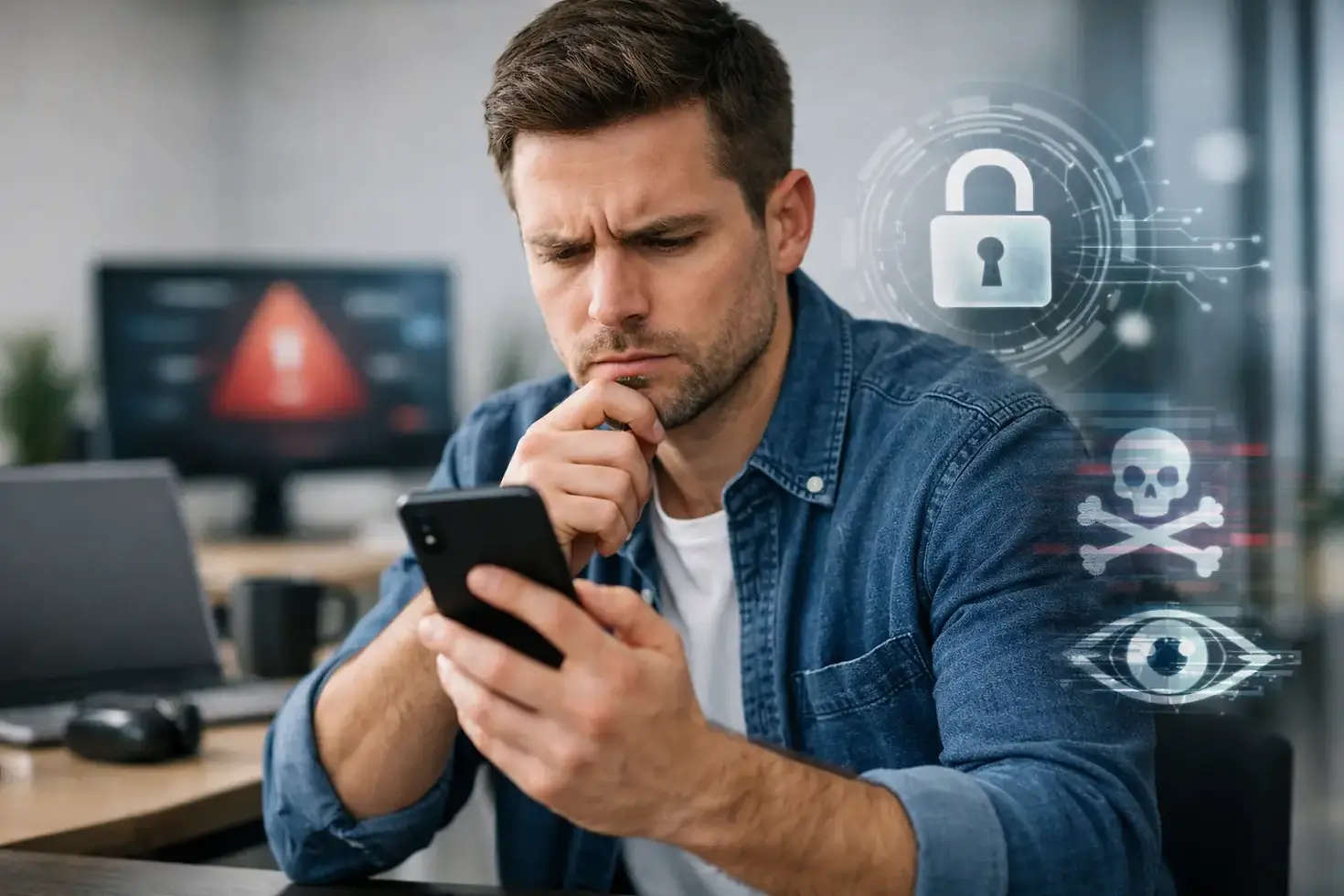
Is My Phone Hacked? Signs to Check Now
- Mustafa Tawil
- 28. Apr.
- 4 Min. Lesezeit
A phone that suddenly gets hot, drains fast, opens random pop-ups, or starts acting on its own can feel like bad luck. Usually, though, there is a reason. If you are asking, "Is my phone hacked?" the good news is that there are a few clear signs to check before you panic or replace the device.
Most phones are not fully "hacked" in the movie-style sense. More often, they have a bad app, a fake system alert, a suspicious profile, or settings changed by malware. Sometimes the issue is not hacking at all - it can be a dying battery, software bugs, or water damage causing strange behavior. That is why the first step is to look at the pattern, not just one symptom.
Is my phone hacked? The most common signs
One weird moment does not prove anything. Several warning signs together are more serious.
Fast battery drain is one of the biggest red flags. If your battery used to last all day and now it drops quickly without any change in use, something in the background may be running nonstop. The same goes for a phone that becomes unusually warm while sitting in your pocket or on the table.
Another sign is high data usage. Spyware, adware, and malicious apps often send information in the background. If your mobile data suddenly jumps and you are not streaming more than usual, check which apps are using it.
Pop-ups are also worth taking seriously, especially if they appear outside your browser or try to scare you with messages like "Virus detected" or "Tap here to clean your phone." Real system warnings do not usually talk like that.
You should also pay attention if apps appear that you do not remember installing, your home screen changes on its own, or your phone starts sending texts you did not write. On iPhones and Android devices alike, account warnings can matter too. Password reset emails, login alerts, or locked accounts may mean someone has access somewhere, even if the phone itself is not deeply compromised.
Problems that look like hacking but are not
This part matters because people often mix up malware with hardware faults.
A weak battery can cause overheating, random shutdowns, lag, and fast drain. A damaged charging port can create charging problems that feel suspicious but are purely physical. Water damage can lead to ghost touches, speaker issues, microphone failure, or random app behavior. Even a broken screen can make the phone seem possessed when it is actually registering false touches.
Software updates can create glitches too. If your phone started acting strangely right after an update, the issue may be system-related rather than malicious. The same is true for storage that is nearly full. Low storage can slow the phone down, crash apps, and trigger unstable behavior.
What to do first if you think your phone is hacked
Start simple. Put the phone in airplane mode for a moment if you think something is actively happening. Then check your installed apps and remove anything unfamiliar, especially apps downloaded from outside the official app store.
Next, review battery usage and mobile data usage in settings. If one app is using far more power or data than it should, that gives you a place to start. On Android, also check device admin apps and accessibility permissions. On iPhone, look for unknown profiles or device management settings.
Then change your important passwords - email first, then banking, cloud storage, and social apps. Do this from a trusted device if possible. If your email account is compromised, other accounts can fall quickly.
If the problem continues, back up your important photos, contacts, and files, then consider a factory reset. That solves many malware problems, but not every case. If you restore from an infected backup or reinstall the same bad apps, the issue can come right back.
When a repair shop should check it
If you are not sure whether the problem is hacking, software failure, or hardware damage, a proper diagnostic saves time. This is especially true if the phone has mixed symptoms like overheating, battery drain, speaker trouble, charging issues, or ghost touches all at once.
A local repair shop can help separate malware concerns from physical faults. That matters because the fix is completely different. Replacing a battery will not remove spyware, and resetting software will not repair a damaged charging port. In some cases, people spend hours deleting apps when the real issue is a failing battery or liquid damage.
At Xphone, this kind of check makes sense when the phone is acting strangely but the cause is unclear. A free diagnostic can tell you whether you are dealing with a software problem, a damaged part, or both.
How to lower the risk going forward
Keep your phone updated, but only through official system updates. Download apps only from trusted stores, and be careful with links in texts, social messages, and emails. A lot of phone infections start with fake delivery messages, account alerts, or "urgent" payment requests.
It also helps to avoid public charging stations unless you are using your own trusted cable and adapter. Turn on two-factor authentication for your main accounts. And if your phone starts behaving differently, do not ignore it for weeks. Small problems get harder to sort out when accounts, backups, and hardware issues start overlapping.
If you are still asking, "Is my phone hacked?" the real question is usually simpler: is this a software issue, a hardware issue, or both? Once you know that, the next step gets much easier.


Kommentare